

Team & roles
Invite your team from Members. Roles decide what each person can do, and you can limit members to specific sites.
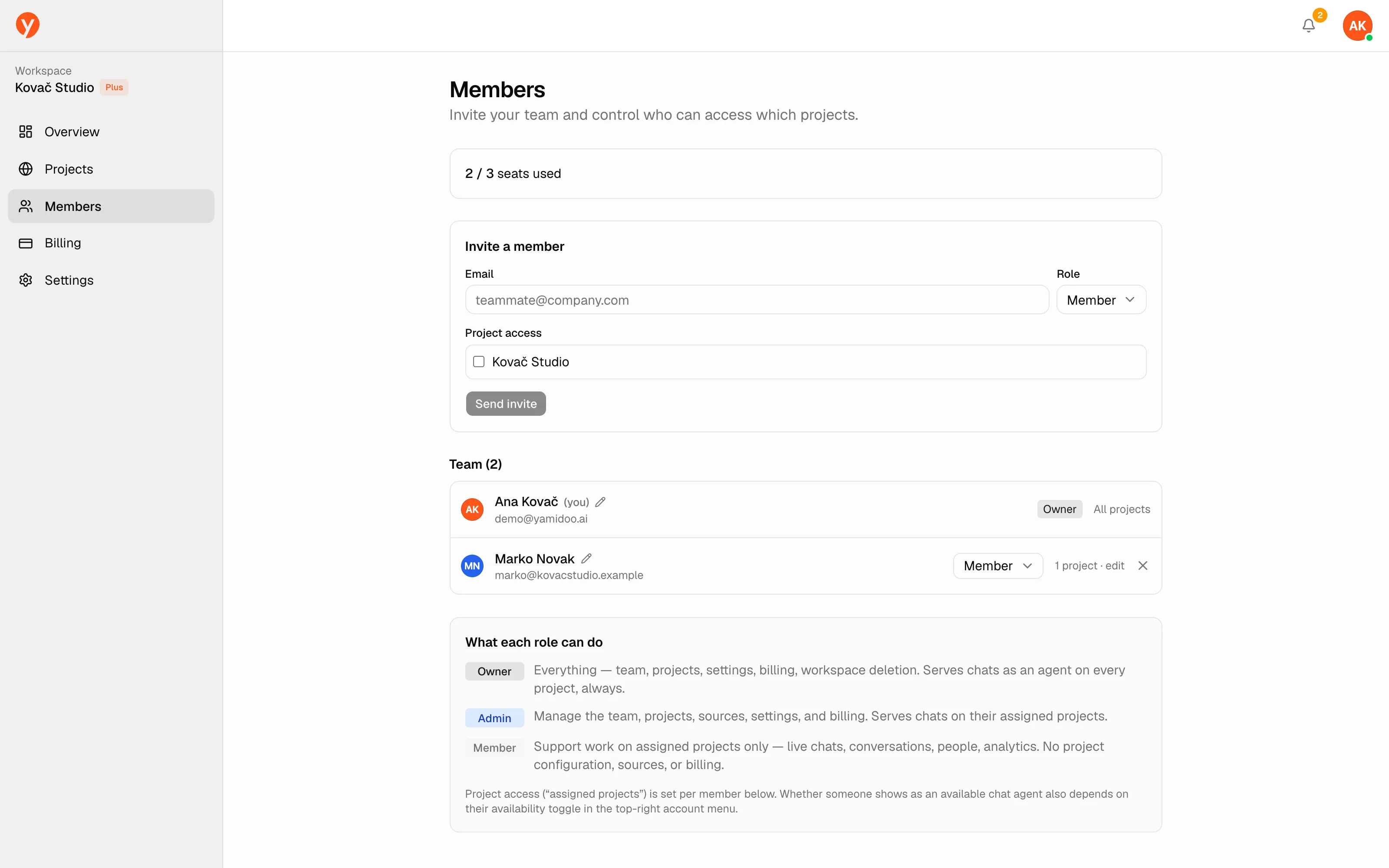
| Role | Can do |
|---|---|
| Owner | Everything, including billing and deleting the workspace. One per workspace. |
| Admin | Manage the team, sites, and settings, and handle billing. Can’t delete the workspace. |
| Member | Support work — Live, Conversations, People, Analytics, and Content gaps — on the sites they’re given. No access to configuration, billing, or team management. |
Only owners and admins can open Members. Only the owner can grant the Admin role.
Inviting a teammate
Section titled “Inviting a teammate”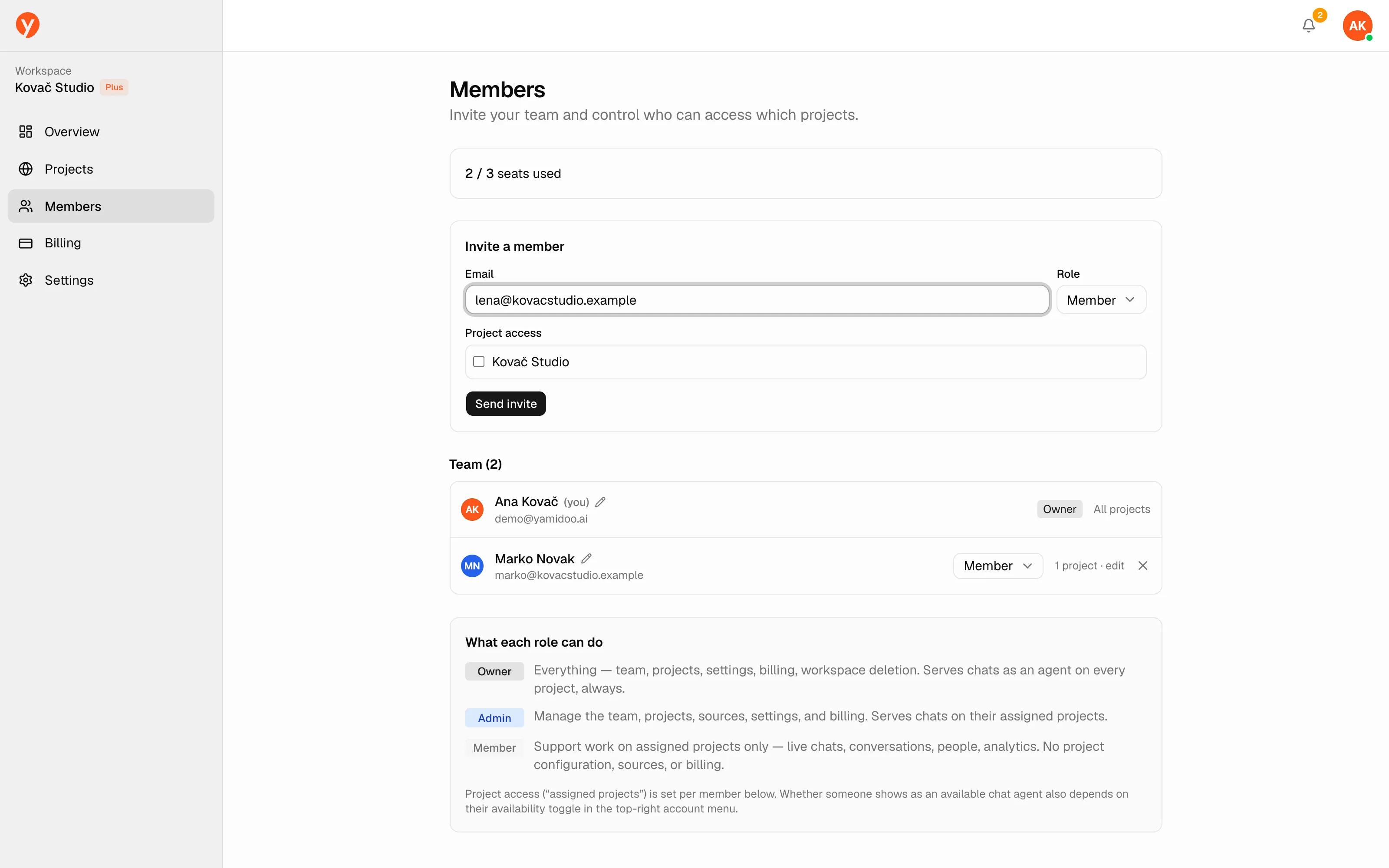
Enter their email, pick a role, and (for Members) tick which projects they can access. Click Send invite and they’ll get an email to join. A Member with no sites checked won’t see any site, so remember to grant access.
Members count toward the seats in your plan: Free 1, Starter 1, Plus 3, Pro 5. The page shows how many seats are used; if you hit the limit you’ll see an Upgrade or add seats → link to Billing. Extra seats are $19/mo each on any paid plan — for now, request them by email at hello@yamidoo.ai.
Availability
Section titled “Availability”Being on the team is separate from being online for live chat. Each teammate sets their own availability per site.