

Live conversations
The Live view is your real-time window into a project’s website: who’s browsing right now and every open conversation as it happens.
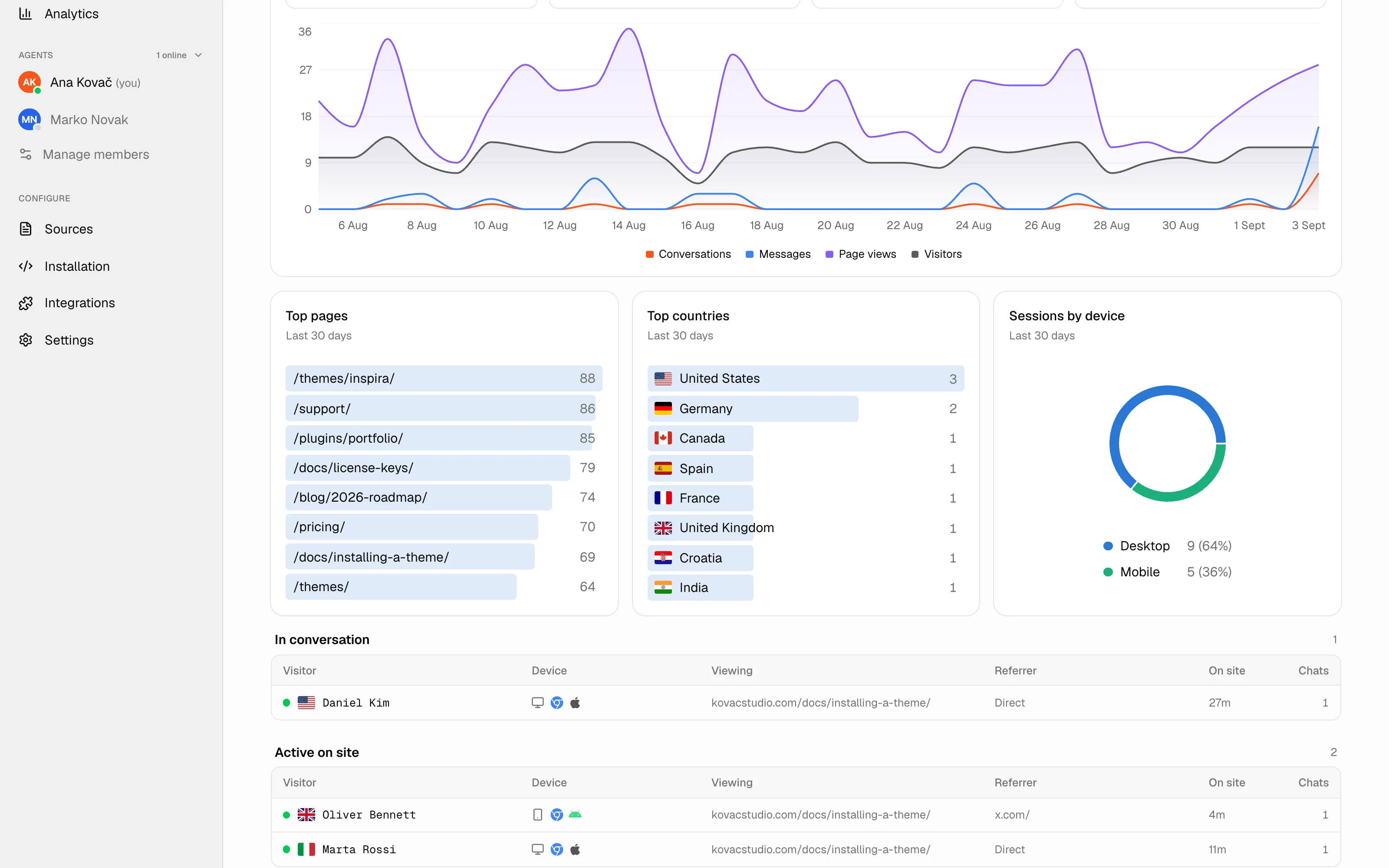
Active visitors
Section titled “Active visitors”The visitor list shows everyone active in roughly the last minute, with the context you need to help: name and email (if known), the page they’re on, referrer, browser, OS, device, and country. Click a visitor to open their conversation. Country is looked up offline from the visitor’s IP address (IP Geolocation by DB-IP) and set on their first visit, so a VPN or a trip can make it differ from where they are now.
A visitor is marked idle after the project’s Mark a visitor idle after setting (default 10 minutes, under Settings → General). This only changes the label you see; the visitor isn’t told.
Open conversations and their status
Section titled “Open conversations and their status”Every open conversation shows a status badge:
| Status | Meaning |
|---|---|
| AI | The assistant is handling the chat. |
| Waiting for human | The visitor asked for a person — no agent has joined yet. |
| With agent | A teammate has taken over and is replying. |
| Closed | The conversation has ended. |
Conversations waiting for a human stand out so you can grab them quickly. A conversation you haven’t opened yet is marked as unseen until you click it.
Conversations stay in the Live list for 2 hours after the last message — 24 hours when a handoff is pending. After that they’re still in the Conversations inbox with their full history; only the Live list moves on.
Joining a chat
Section titled “Joining a chat”Click any conversation to open the thread with a reply box. From there you can take over from the AI and reply as a human — see Replying to visitors for the full set of tools.
Next steps
Section titled “Next steps”- Replying to visitors — take over, use AI assist, attach files, and close chats.
- Availability — set yourself online so visitors can reach you.