
People
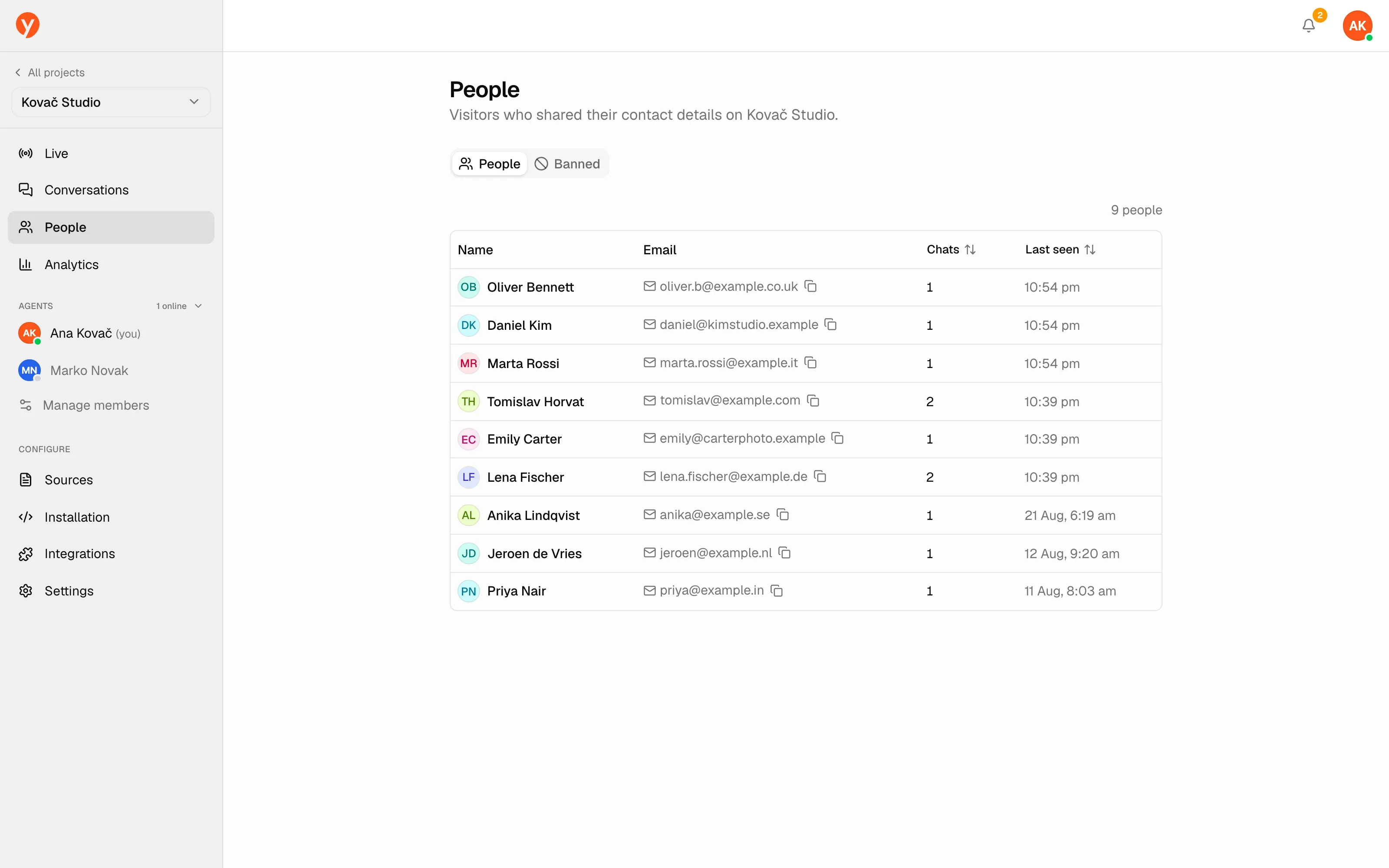
People lists the visitors who shared their contact details in a project — your growing list of leads and known customers.
What you’ll see
Section titled “What you’ll see”Each person shows their name, email (with a quick copy button), how many chats they’ve had, and when they were last seen. People are de-duplicated by email, so someone who returns across sessions stays a single record with their conversation count rolled up.
Only visitors who provided an email appear here.
Click a person to open their detail page: their details and every conversation they’ve had with you.
Blocked visitors
Section titled “Blocked visitors”The Blocked tab is where you keep visitors out of the chat. Block by email or IP address and add a reason so your team knows why. To lift a block, unblock from the same tab.
Collecting contacts
Section titled “Collecting contacts”If the list is empty, turn on contact capture in the project’s Settings — that’s what prompts visitors for their name and email. You control whether it’s asked before the first message, before talking to a human, or as an optional prompt. See Customizing the widget for the options.